★★★★★ Hino 30/12/2022
Quick service Thanks you. Very good service .
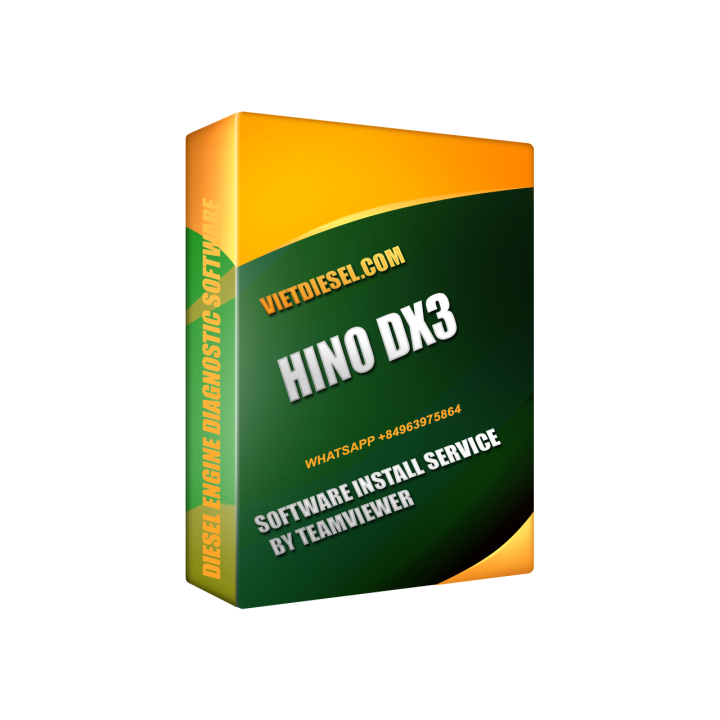
Hino DX3 2024 Install Service by TeamViewer images
Looking for expert diesel engine mechanic services? Choose VIETDIESEL for professional installation of Hino DX3 through TeamViewer. Our experienced team ensures top-notch service and efficiency. Trust us for all your diesel engine needs.
After your order: contact us right away on WhatsApp +84 973 722 587 for fast support.
Product Description: Hino DX3 Install Service by TeamViewer
Introducing the Hino DX3 Install Service, an innovative and efficient solution for diesel engine mechanics and specialists. Designed specifically for Hino vehicles, this software installation service ensures seamless diagnostic capabilities and enhanced performance for your Hino fleet.
At VIETDIESEL, we understand the importance of reliable and accurate diagnostics in the maintenance and repair process. With our Hino DX3 Install Service, you can take advantage of the latest technology to streamline your operations and provide top-notch service to your clients.
One of the key highlights of this service is the utilization of TeamViewer, a trusted and secure remote access software. With this feature, you can connect to your Hino vehicles from anywhere, allowing you to diagnose and troubleshoot any issues without physically being present at the vehicle's location. This not only saves you valuable time but also eliminates the need for costly on-site visits, making it a cost-effective solution for mechanics and specialists.
The Hino DX3 Install Service offers a comprehensive range of diagnostic functions. It provides detailed information about the engine, transmission, brake system, and other crucial components, enabling you to pinpoint any faults or malfunctions accurately. This level of precision ensures that you can address problems swiftly, minimizing downtime and maximizing efficiency.
Moreover, the Hino DX3 Install Service is designed to be user-friendly, even for those who may not have extensive technical expertise. The intuitive interface and step-by-step instructions simplify the diagnostic process, allowing you to navigate through various functions effortlessly. Additionally, regular software updates ensure that you always have access to the latest features and improvements, keeping your diagnostic capabilities up to date.
Investing in the Hino DX3 10/2022 Install Service is an investment in the future of your diesel engine repair business. By utilizing advanced technology and remote access capabilities, you can enhance your productivity, provide superior service to your clients, and stay ahead of the competition.
So why wait? Upgrade your diagnostic capabilities today with the Hino DX3 Install Service by TeamViewer, available exclusively at VIETDIESEL. Experience the power of remote diagnostics and take your diesel engine repair business to new heights.
Cummins , Detroit , Caterpillar , Paccar , Maxforce , Isuzu. Hino ... and other USA and Japan Truck Diagnotic Software like Kenworth , Peterbilt ,Hino , international ...
You can contact me to get more detail if you could not find your software in this Website
To install Diesel SOftware i reconmend some good laptop like Pananonic CF31 , CF52 , CF53 or other type . You can buy a good second hand laptop for save money but make sure you have a laptop with requirement below
Supported operating systems:
Windows 10 (64 bit English)
Hardware requirements:
Minimum: 8GB RAM, 20 GB of available hard drive space, at least an Intel Core i5 processor and minimum of a 1024×768 sized monitor
Recommended: 8GB RAM, 20 GB of available hard drive space, Intel Core i5 processor
USB port for NEXIQ , DLA+ 2.0 adapter or other RP1210C-compliant vehicle adapter
Note: Ensure your USBLINK adapter driver and firmware is up to date
| Service Type | By Teamviewer |
| Working time | 1-2 hours |
| Software | Truck |
We check your engine and send a quote back fast.
Confirm the job and settle the invoice securely.
Plug your laptop into the ECM and share a session.
We calibrate or delete, verify, and support you after.
Thanks you. Very good service .
🛡️ Chúng tôi chỉ gắn nhãn "Khách đã mua hàng" cho đánh giá đối chiếu được với đơn hàng thật tại cửa hàng.